


After my previous article, I'll continue this series meant to help classic console players gather an ideal collection to play games as close to the original experience as possible, without modifications. This time we'll learn which video (and audio) outputs produce the best native quality. I'll try to keep it brief.
This article takes for granted that you followed my advice to pick the best revision, as not all versions have support for all outputs. Of course, if you intend to install an HDMI mod (heresy!), ignore this information.
First of all, a very simple explanation about the most common outputs that can be found (except for the last two, all of them are common inputs in old CRT television sets, and except for the last one, they all carry analog signals):
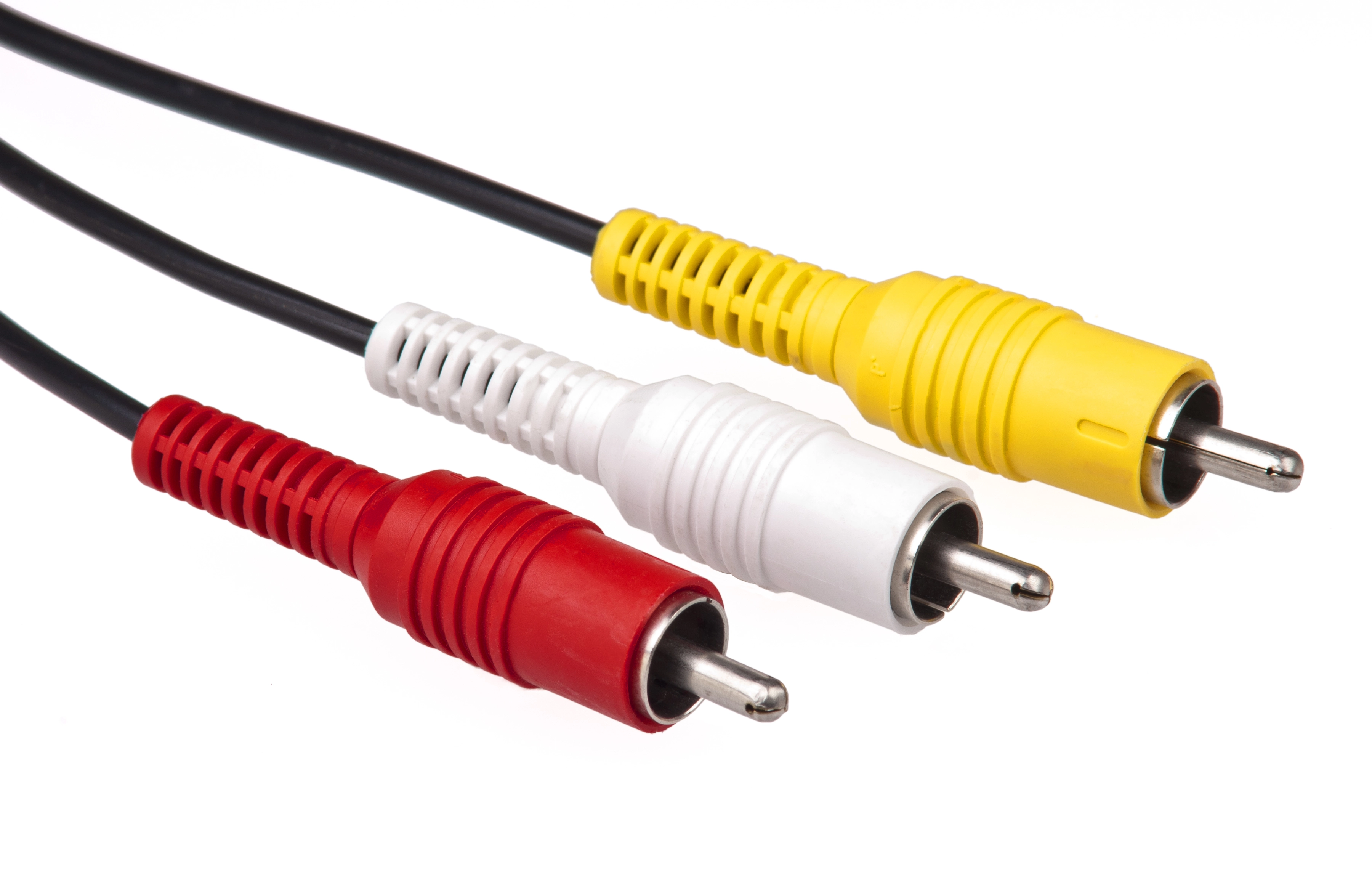
- Composite video: the oldest one. Not to be confused with component! It combines brightness (luminance or luma), color (chrominance) and synchronization into a single channel. It's usually combined with two other channels for stereo sound into an RCA connector that has 3 plugs (yellow for video, white and red for audio). It has the lowest quality, with image defects such as dot crawl.
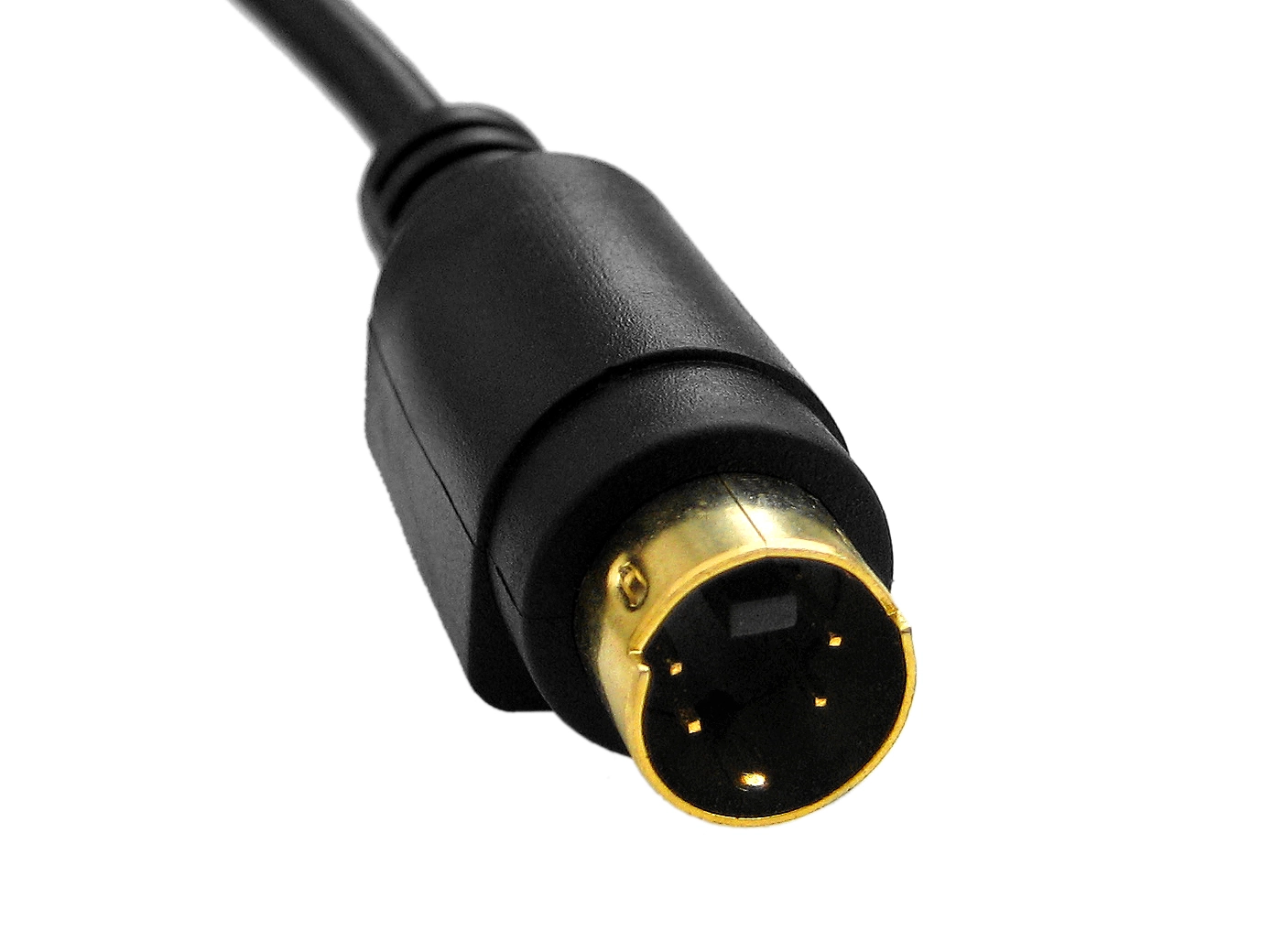
- S-Video: it uses two separate channels for video luma and chrominance, achieving a better result than composite, but worse than component. Sound also needs to be carried separately.
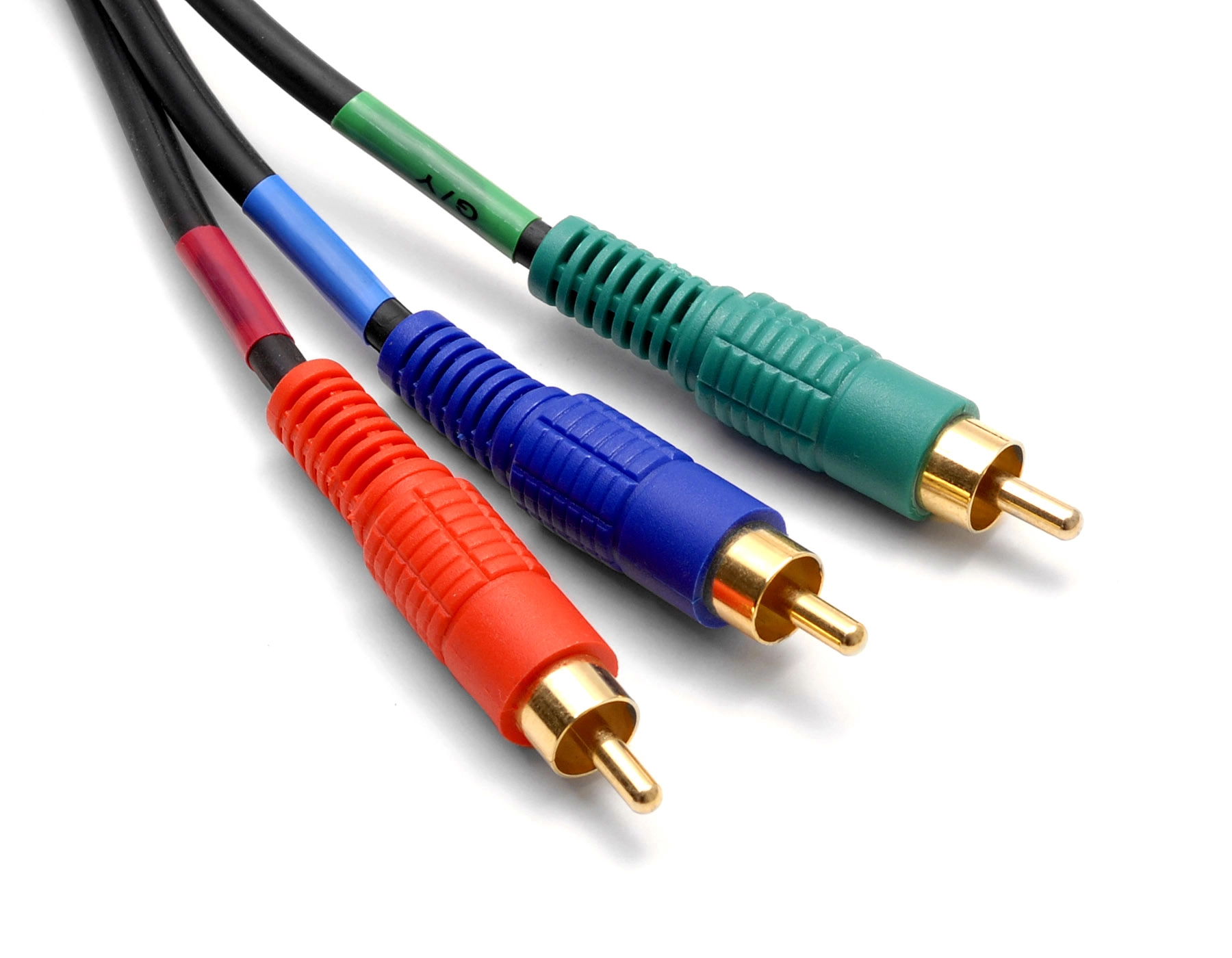
- Component video: not to be confused with composite! It uses 3 signals to encode video. To add sound, two more channels are added, for a total of 5 plugs (the video ones usually being color-coded red, green and blue). It has better quality than S-Video. Component video can be encoded as:
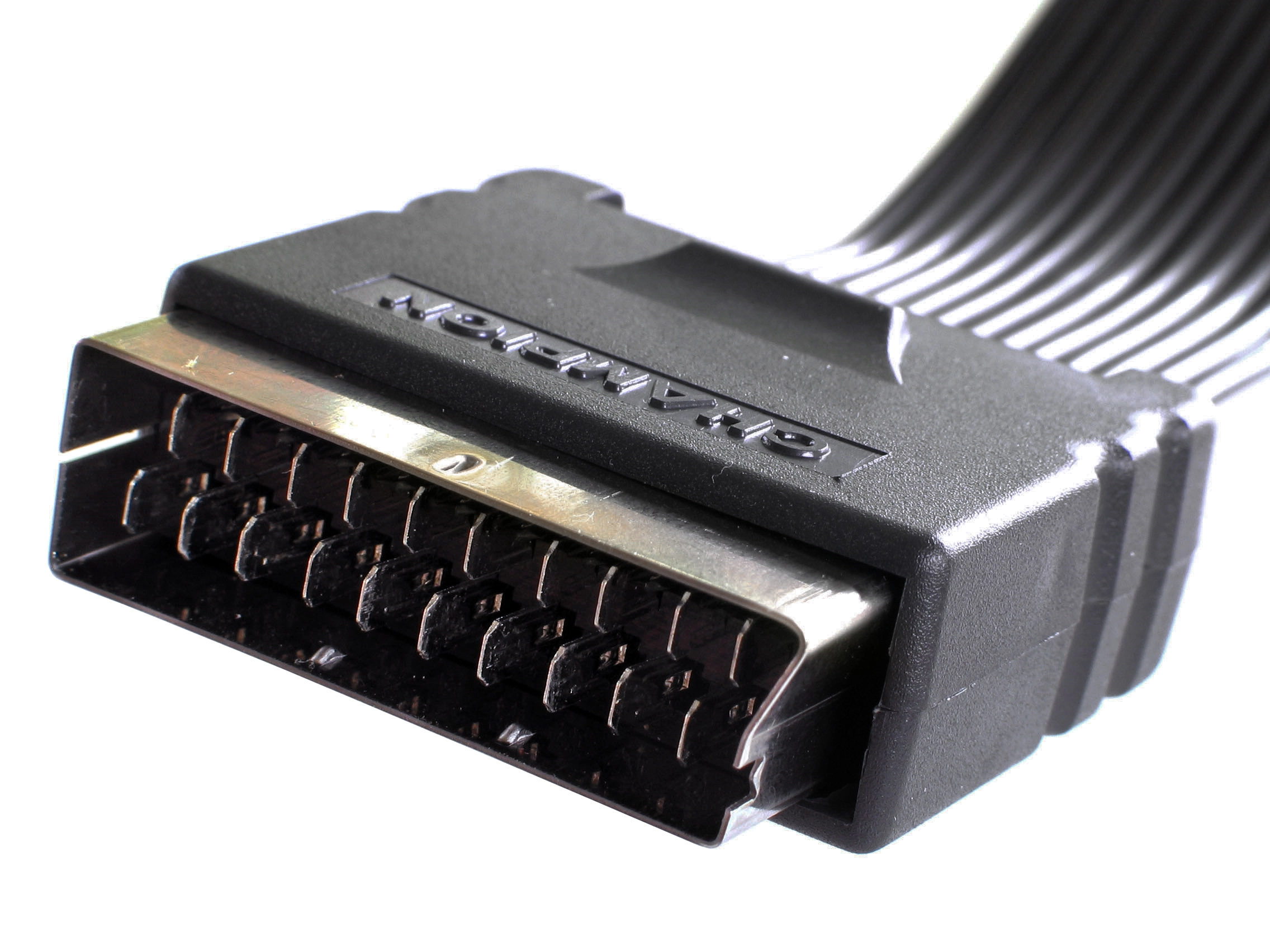
- SCART: with many other names. It's actually just a connector and interface standard of European origin, that can carry many signals, such as component (including RGB) or S-Video. One advantage is that it also carries audio, skipping the need for separate plugs.
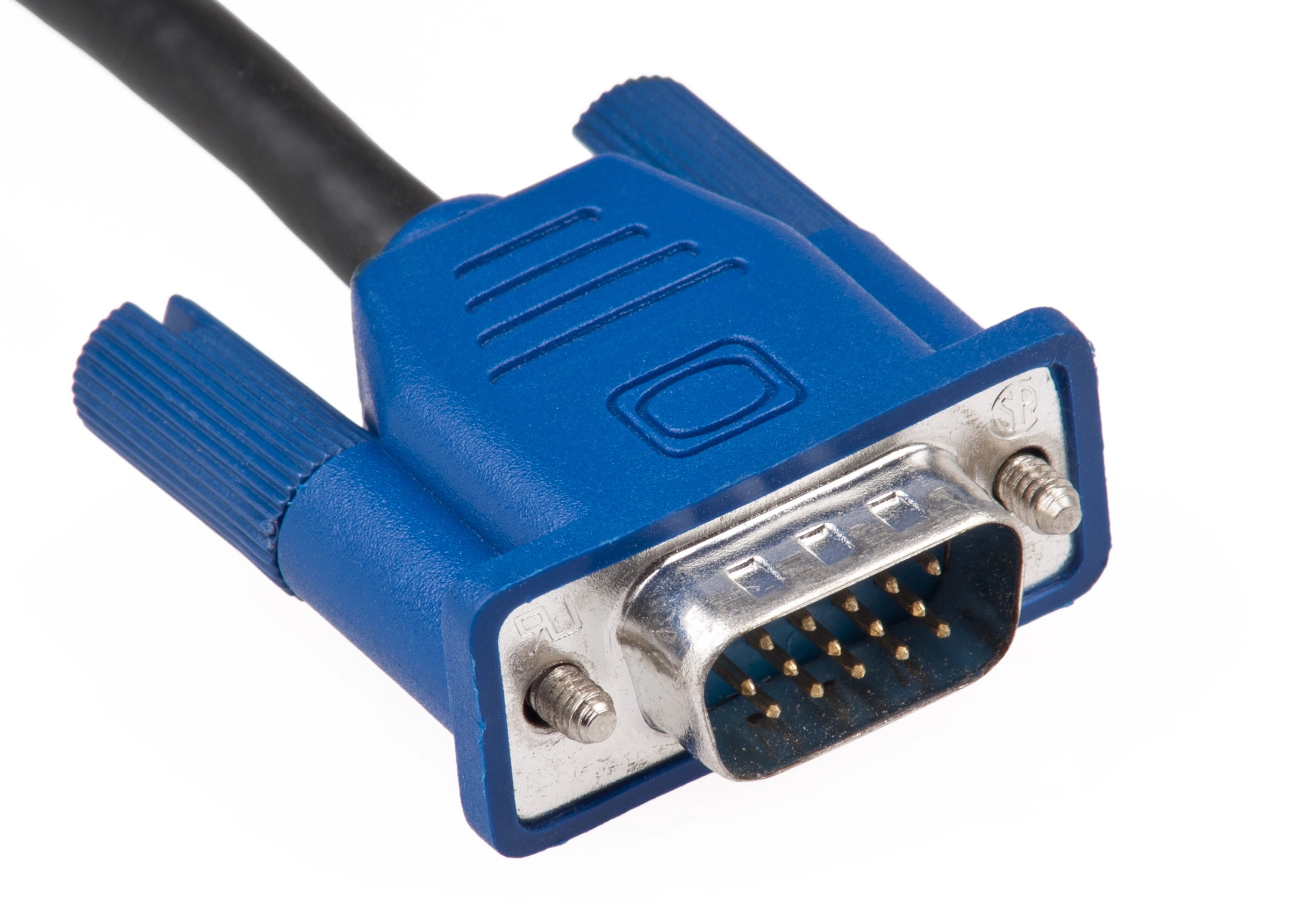
- VGA: not actually seen in most TVs, rather used in computer monitors. Analog RGB video, it can support high resolutions. Audio is not included and must be carried separately.
- HDMI: a digital interface that can carry encoded video, audio and even networking. It began appearing in the seventh generation of video game consoles, and it has by far the best quality, with no artifacts and support for high-definition content (HD video).
 |
 |
 |
 |
 |
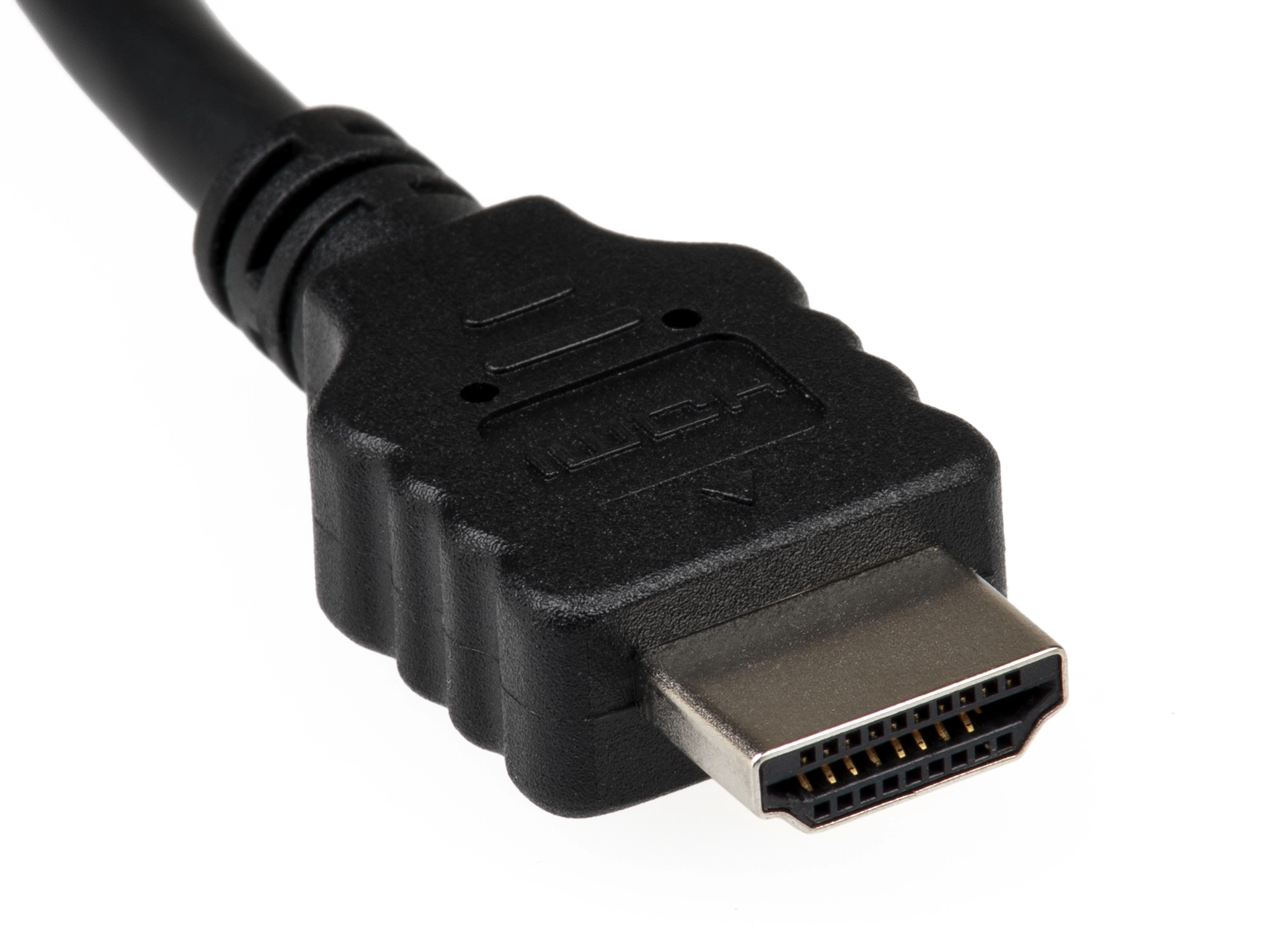 |
(Images credit: Wikimedia Commons)
Most analog standards need to carry an extra synchronization signal to make sure the reconstructed image remains locked in step (horizontally and vertically) with the original data. Horizontal sync separates the scan lines, vertical sync separates the individual frames (also known as "fields"), triggering the VBLANK. This can be done in several ways, such as adding a new separate signal, or making use of an existing one, combining both in the same channel. Most home equipment syncs on luminance. When buying cables, make sure you choose the correct sync type.
Secondly, in order to plug the old connectors into modern HD screens, you'll need a good video scaler. It's a piece of hardware that will convert a low resolution video signal to a high resolution one. Many devices (like digital TVs) embed one, but there are dedicated upscalers meant for classic gaming that will properly keep the aspect ratio and prevent frame rate issues. Many store custom profiles to improve support for certain games that might otherwise be problematic. The best known ones are:
- RetroTINK. Both the RetroTINK-5X Pro and the RetroTINK-6X CE are excellent options if you don't need 4K output (you shouldn't!).
- OSSC (Open Source Scan Converter). It's an open source project, and there isn't a single manufacturer. Many online shops assemble and sell it. Ensure that it uses the latest firmware version (though it can be updated later).
- Framemeister, made by Micomsoft. It was discontinued years ago but it may still be available in some shops.
Finally, the "best" list itself, with links to cables you can buy (I'm not affiliated with any shop).
Note: where applicable, this article always refers to PAL models. Sorry, non-Euro people!
| INDEX |
| 1. NES 2. Super Nintendo 3. Nintendo 64 4. GameCube 5. Mega Drive 6. Sega Saturn 7. Dreamcast 8. PlayStation 9. PlayStation 2 10. PlayStation 3 11. Xbox |
Nintendo
Nintendo Entertainment System (1983)
Sadly the best you can get is composite. Try at least to buy a good cable, such as one with a SCART connector.
Super Nintendo (1990)
The RGB-SCART output is the best one. Choose synchronization with the luma signal.
Nintendo 64 (1996)
The S-Video will have to do (some models can be easily modded to support RGB, but not most PAL units).
Nintendo GameCube (2001)
Despite the disservice Nintendo did to PAL territories, buy a GCVideo HDMI cable to make the most out of the digital AV port. One example is the Carby dongle by Insurrection Industries, a plug-in digital HDMI adapter. But 480p will only work with NTSC games, to force it with PAL software you'll have to use the Swiss homebrew. Too much of a hassle? Settle for a RGB-SCART.
Sega
Mega Drive (1988)
The RGB-SCART output is the best one. Buy the stereo version!
Sega Saturn (1994)
The RGB-SCART output is the best one.
Dreamcast (1998)
It can output VGA if you buy the proper cable, and that's the best quality you'll get.
Sony
PlayStation
The RGB-SCART output is the best one. Choose synchronization with the luma signal. Note that, if you want to have support for light guns (for games like Time Crisis), you'll need to buy the version with Guncon support. And a CRT TV, of course.
PlayStation 2
Component HQ video can get the best results, as it has 480p support. RGB-SCART would be a close second for games or TVs without that.
PlayStation 3
No need to think here. HDMI is by far the best output, with a modern HD TV. Any standard cable should do the job.
Microsoft
Xbox
If you intend to keep a vanilla PAL unit, the Advanced RGB-SCART cable is the best. If you are willing to change region to enable HD output, then a Component YPbPr.